
Your media, on every screen.
Reel plays the titles on a reel media server that you, or someone in your household, runs — on your iPhone and your Apple TV.
No server yet? Open Reel and tap Try a demo to explore it with sample public-domain titles.
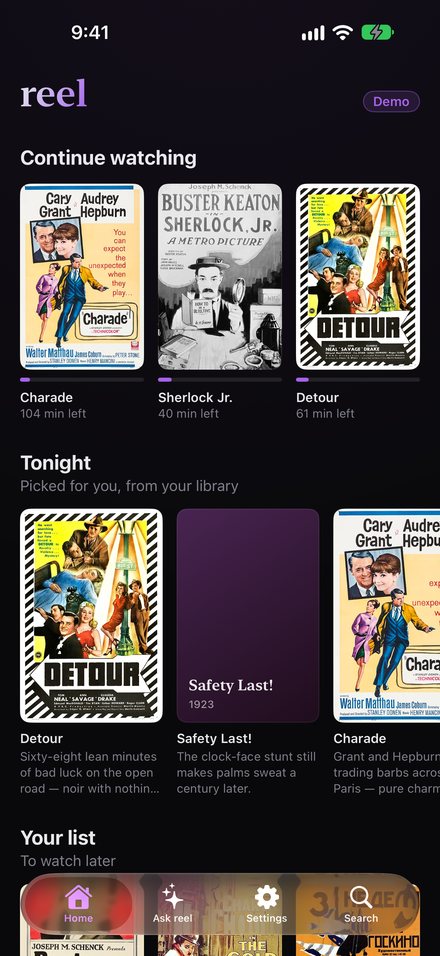
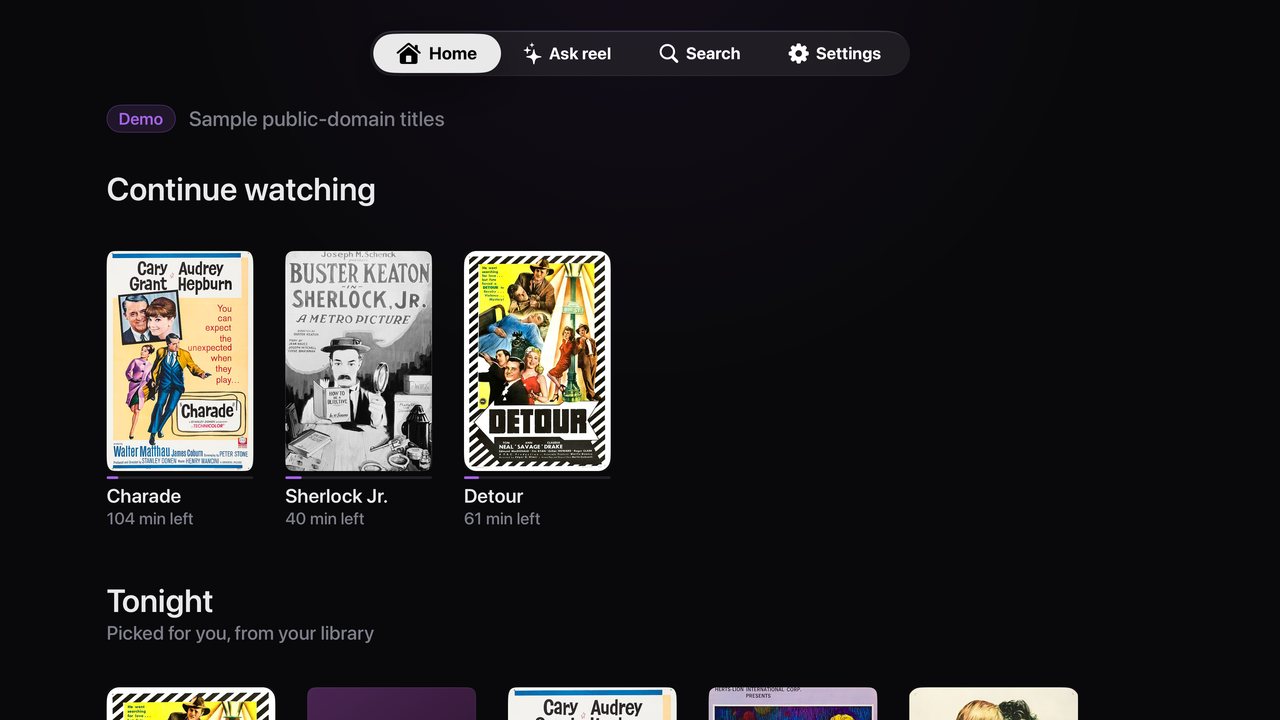
Pick up where you left off
Continue watching follows you from phone to TV.
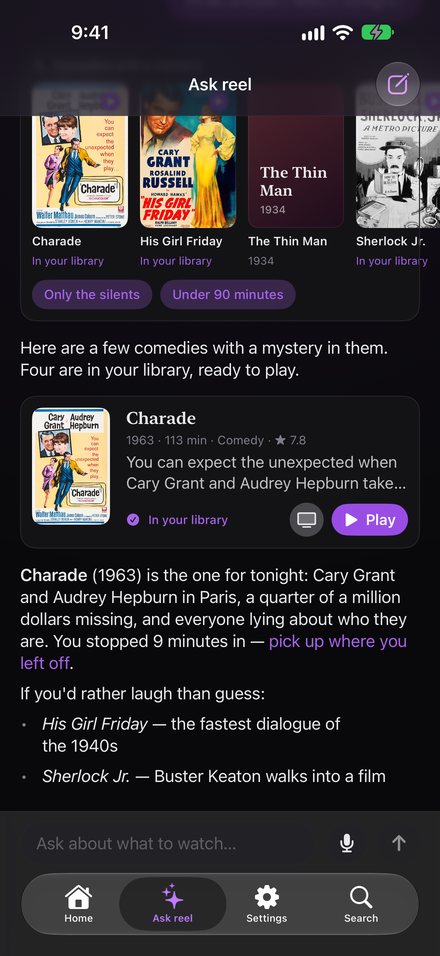
Ask reel
Ask in plain words — or with your voice — for something to watch.
Play on TV
Choose a title on your iPhone and it starts on your Apple TV.
Private by design
Reel talks only to your own server. No accounts with us, no ads, no tracking.
Getting started
Open Reel and type your server's address, then sign in with a code: Reel shows one, and you approve it on your server's website while signed in. Or sign in with your username and password.
Common questions
A title is missing. Reel shows what is in your library on your server; titles are added to it on the server itself.
"Play on TV" doesn't list my Apple TV. Open Reel on the Apple TV, signed in to the same account; it appears within a few seconds.
Siri doesn't find a title. Open Reel once after signing in so it learns your library, then say "Play the title in Reel".
Contact
Write to fede@kamelhar.net. We usually answer within a few days.